Keeping WatchGuard Mobile VPN Connections Healthy
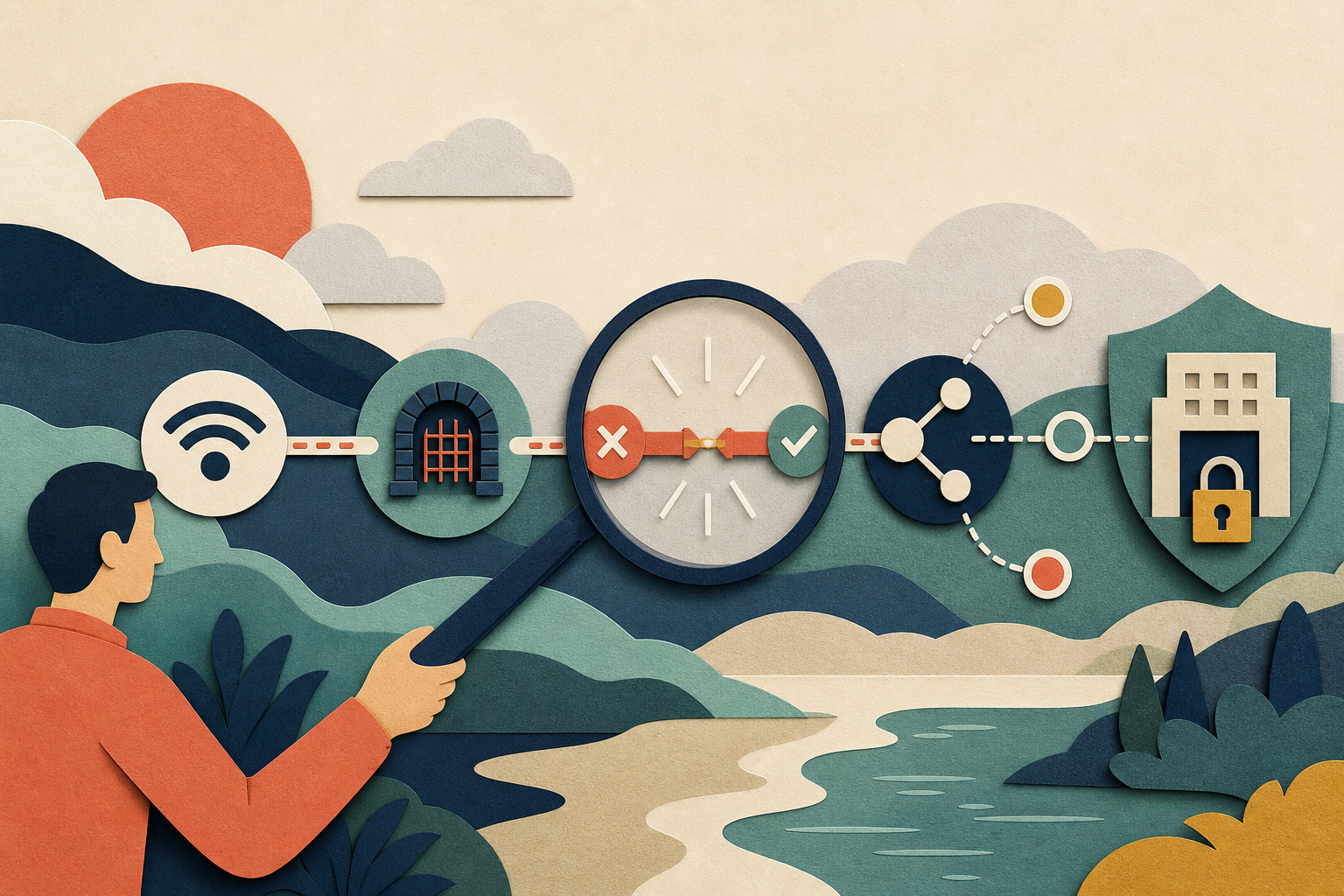
A VPN status indicator compresses many systems into one word. Behind “connected” or “failed” are the local Wi-Fi network, internet provider, DNS, device clock, identity service, WatchGuard gateway, routing policy, and target application. Connection health improves when support teams examine that chain in a consistent order instead of making several unrelated changes.
Define the symptom precisely
Ask whether the client never connects, disconnects after a predictable interval, reconnects after a network change, or stays connected while one application fails. Record the exact message, local time and time zone, connection type, affected service, and whether other people are experiencing the same behavior.
“The VPN is down” is a conclusion, not an observation. A useful description gives the team a place to begin and makes later comparison possible.
Establish a local-network baseline
Confirm that ordinary public sites work consistently. A weak wireless signal can interrupt a long encrypted session even when short web requests appear normal. Where policy permits, compare Wi-Fi with a wired connection or another trusted network. Do not disable the local firewall or endpoint protection as a diagnostic shortcut.
Note whether the problem follows sleep, roaming between access points, or switching from Wi-Fi to mobile data. Those events change the device’s network state and may require a fresh session.
Separate authentication from transport
If the client reaches the gateway but identity verification fails, internet transport may be healthy. Check for an expired password, rejected multi-factor prompt, incorrect device time, locked account, or unavailable identity provider. Repeated attempts can extend a lockout, so users need a clear stopping point.
Unexpected approval prompts should be rejected and reported. A connection problem is never a reason to share a password or one-time code with support.
Test DNS and routing deliberately
When the tunnel appears connected, test one approved internal name and compare it with another known service. If an address is reachable but the name is not, DNS is a stronger lead than the SSL tunnel. If public services work but all internal destinations fail, routing or gateway policy deserves attention.
Avoid hard-coding addresses as a permanent fix. It hides the underlying issue and may direct users to the wrong system after an infrastructure change.
Consider address overlap
Home routers commonly use private address ranges that may overlap with an organization’s internal network. The local route can then capture traffic intended for the VPN. Support should recognize the pattern and use an approved remediation. Asking every user to redesign a home network is rarely the best first response.
Document recurring collisions so network planners can consider them when assigning remote-access resources.
Observe gateway capacity and shared events
If many users fail at the same time, look for a common gateway, internet link, certificate, authentication service, or recent change. Review connection counts, resource use, error rates, and geographic patterns against a normal baseline. A single speed test does not measure the same path as a protected application.
Capacity planning should include peak concurrency, authentication bursts, software updates, and business continuity scenarios. Alerts need thresholds that detect real deterioration without creating constant noise.
Compare versions and controlled changes
Record operating system and client version for affected and working devices. A repeatable pattern across one combination can guide a pilot test. Any rollback should follow an approved plan; an obsolete client may restore connectivity while reintroducing a security weakness.
Change one factor at a time and preserve the before-and-after result. Simultaneous edits make recovery harder and erase evidence about the true cause.
Build a useful escalation
A concise support case contains symptom, time, network type, client status, version, affected service, impact, and safe checks already completed. Diagnostics should be transferred only through an approved channel and redacted according to policy. The main overview of WatchGuard Mobile VPN with SSL can help users understand the layers before reporting a problem.
Turn incidents into improvements
After service is restored, classify the cause and update monitoring or user guidance. Repeated Wi-Fi issues may need a clearer baseline test; recurring certificate surprises may need renewal alerts; repeated DNS failures may expose an undocumented dependency. Connection health becomes sustainable when each incident makes the next diagnosis faster and safer.