Building a WatchGuard Mobile VPN Support Workflow
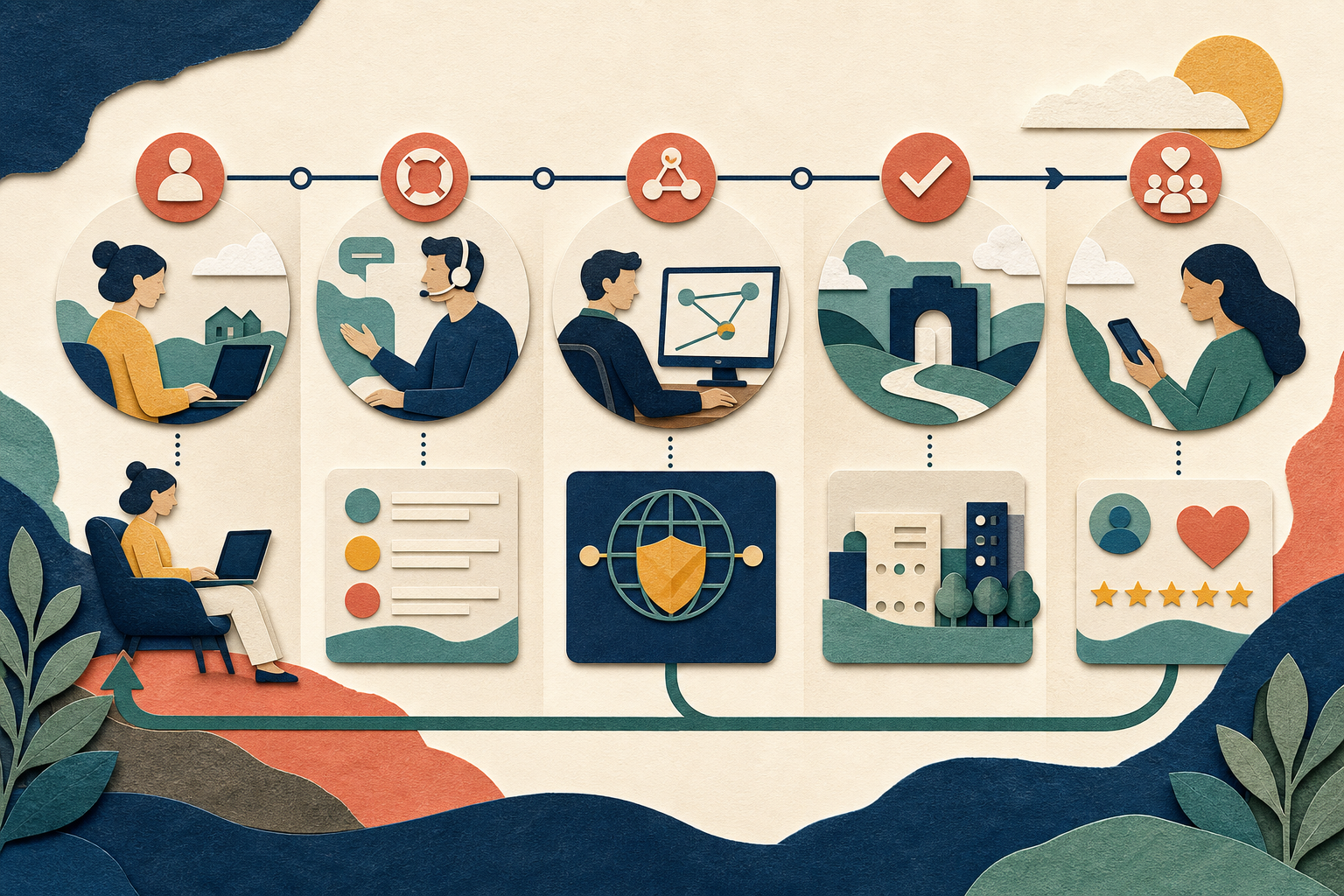
Remote users need support that is easy to enter and safe to follow. A good WatchGuard Mobile VPN workflow tells the user what normal connection states look like, which facts to collect, which experiments to avoid, and when the issue moves to identity, network, gateway, or application specialists. Consistency reduces downtime without encouraging risky shortcuts.
Publish one clear entry point
Users should know the approved portal, phone number, or service desk for VPN problems. Scattered email addresses and old documents create delay and make social engineering easier. The support entry point should explain service hours, emergency options, and the information that can be shared safely.
Make it clear that support will never request a password or one-time code. This statement should appear before an incident, not only after someone reports a suspicious request.
Use a structured intake
Ask for the exact visible message, local time and time zone, connection type, device platform, client version, affected service, impact, and whether colleagues are affected. A short structured form produces better evidence than a free-form statement that “VPN is broken.”
Do not require a full diagnostic bundle for every case. Begin with the smallest set of facts, then request additional evidence through a secure channel when it is relevant.
Give first-line support a decision tree
First confirm ordinary internet access. Next determine whether the client reaches the gateway and whether authentication succeeds. If the client shows connected, test one approved internal resource and compare it with another. These branches separate local connectivity, identity, tunnel, routing, DNS, and application issues.
The decision tree should include stop conditions. Repeated authentication attempts, certificate warnings, unexpected multi-factor prompts, or instructions that would disable security belong with an authorized specialist.
Correlate events by time
Gateway and identity records become useful when the ticket includes a precise timestamp and zone. Support can compare that moment with denials, session creation, route assignment, and service health. Device clocks should use reliable synchronization because a large offset can affect both authentication and investigation.
Use a consistent case identifier in approved notes and exports. Avoid copying sensitive logs into general chat channels.
Define escalation ownership
Identity failures, gateway capacity, DNS, client compatibility, and application authorization may belong to different teams. The workflow should say who owns each category, which evidence accompanies it, and how priority is assigned. A handoff is not complete until the receiving team has enough context to act.
Vendor or partner escalation should follow contract and privacy requirements. Remove unrelated personal data and document what was shared.
Communicate useful status
Users need to know whether the issue is being investigated, whether a safe workaround exists, and when the next update is expected. “We are looking into it” becomes more useful when paired with impact, owner, and update time. Do not ask users to repeat tests that central monitoring has already disproved.
When a workaround changes risk or functionality, obtain the appropriate approval and explain its limits. Temporary access should have an expiration and cleanup owner.
Support client changes with pilots
Test a new client or gateway policy with a representative pilot group before broad release. Include different operating systems, home networks, roles, and critical applications. Record the expected status and rollback criteria so first-line support can recognize known behavior.
Deployment communication should point to the authorized source and explain what users will see. Our main page discusses WatchGuard Mobile VPN with SSL without distributing any installer or configuration.
Protect the support team
Support accounts need least privilege, strong authentication, and audited administrative actions. Staff should not use a user’s credentials or ask the user to approve an unexplained prompt. Screen-sharing and remote-control tools require consent, an approved platform, and a clear end to the session.
Runbooks should provide safe tests rather than broad permanent permissions. Regular exercises help staff recognize phishing, account compromise, and a larger gateway outage.
Learn after restoration
Classify resolved cases and review recurring patterns. If many tickets omit the same fact, improve the intake form. If users repeatedly misunderstand a status, rewrite the guide. If one policy change triggers widespread failures, strengthen pilot coverage and rollback preparation.
A mature support workflow treats every case as both a service event and a source of improvement. With clear entry points, proportional evidence, disciplined escalation, and honest communication, WatchGuard Mobile VPN support becomes predictable for users and administrators alike.